mParivahan App: Download, Login, RC/DL Check, Challan & Vehicle Details
mParivahan App is India’s official mobile app for checking RC, DL, vehicle details, challan status, Virtual RC and Virtual DL.
Pakistani users should know that this app works for Indian transport records only, not Pakistani vehicle registration or driving licence data.
Quick Answer
mParivahan App is useful if you want to check Indian vehicle details, driving licence information, challan status, Virtual RC, Virtual DL, insurance, PUC, and some transport-related services.
Indian vehicle owners, drivers, travellers, and people verifying Indian vehicles.
Pakistani number plates, Pakistani driving licences, Punjab Excise Pakistan, Islamabad traffic challans, or Sindh/Balochistan/KPK vehicle records.
mParivahan at a Glance
| Feature | Details |
|---|---|
| App Name | NextGen mParivahan |
| Country | India |
| Main Use | RC, DL, challan and vehicle information |
| Login Method | Mobile number, OTP and MPIN |
| Documents | Virtual RC and Virtual DL |
| Related Systems | Parivahan Sewa, VAHAN, Sarathi, eChallan |
| Pakistani Use | Only for Indian records, not Pakistani records |
Why Pakistani Users Search mParivahan
Many Pakistani users search mParivahan App because they see Indian videos, e-challan guides, vehicle verification posts, or Parivahan Sewa pages online. Some people also search it while checking information about an Indian vehicle, Indian driving licence, or transport service.
But the main point is simple:
mParivahan is not a Pakistan transport app.
It does not check Pakistani car registration, Pakistani driving licence, Islamabad challan, Punjab vehicle verification, Sindh Excise records, or MTMIS details.
mParivahan App Download
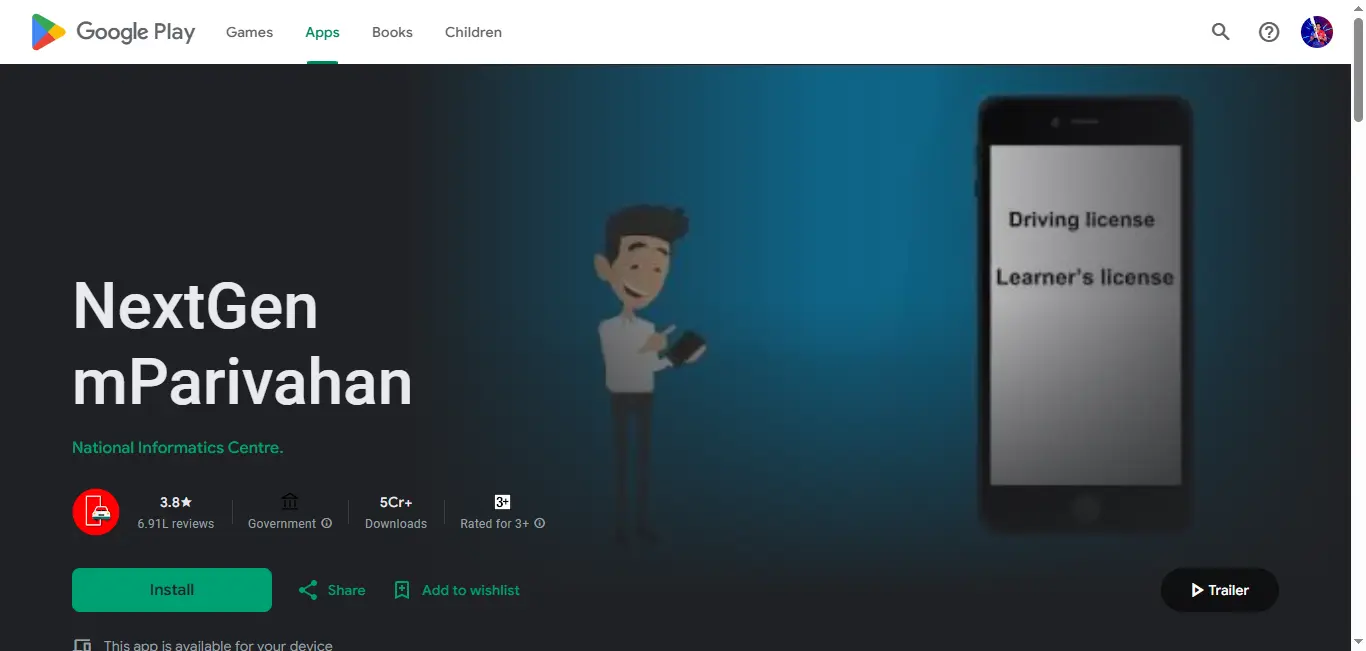
The safest way to download mParivahan is through the official app stores.

mParivahan app download and official app screen.
Do not download any mParivahan APK from WhatsApp, Telegram, unknown websites, or random links. Fake APK files can steal mobile data, OTPs, banking details, and personal information.
mParivahan Login Guide
To use most features, you need to login.

mParivahan login and service access screen.
MPIN is a small security PIN used for quick login. If you forget it, use the Forgot MPIN option and verify again through OTP.
What You Can Check on mParivahan
The app is mainly used for transport-related information in India.
- RC details
- Virtual RC
- Driving licence details
- Virtual DL
- Vehicle information
- Challan status
- Fine details
- Insurance validity
- PUC or PUCC details where available
- Fitness validity for some vehicles
- RTO information
- QR-based document verification
RC Check by Vehicle Number
One of the most searched features is mParivahan RC check by vehicle number.
You can enter an Indian vehicle registration number and check available details from official transport records.

RC and vehicle details section inside mParivahan.
Common RC Details Shown
- Vehicle registration number
- Registration date
- RTO name
- Vehicle class
- Fuel type
- Maker or model
- RC validity
- Insurance status where available
- Fitness status where available
- Limited owner-related information
Some personal details may be hidden for privacy. Also, if the vehicle record is old or not synced properly, the app may not show complete data.
Virtual RC in mParivahan
Virtual RC is the digital version of the vehicle Registration Certificate.
To add Virtual RC:
Virtual RC is helpful during traffic checking in India, but for legal, transfer, insurance claim, or official RTO work, users may still need original documents or official portal records.
DL Check and Virtual Driving Licence
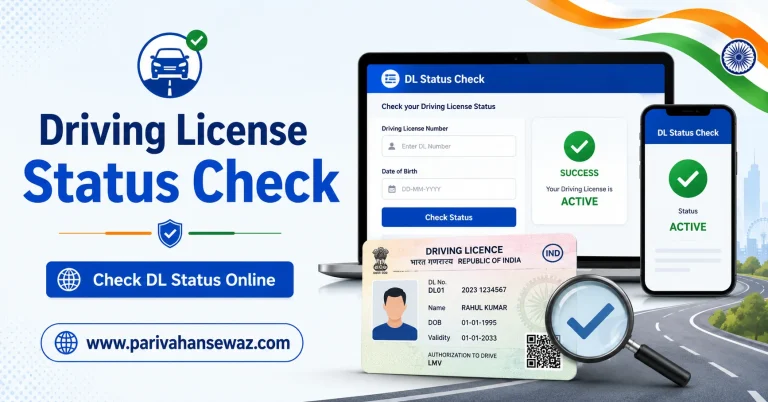
mParivahan also helps users check Indian driving licence details and store a Virtual DL.

Driving licence and Virtual DL related screen.
To add DL:
If the DL is not showing, check these things:
- DL number format is correct.
- Date of birth matches the licence record.
- Licence is active in the Sarathi database.
- App server is working properly.
- State data is updated.
mParivahan Challan Status and Fine Check
Users also search for mParivahan fine, mParivahan challan status, mParivahan challan details, and mParivahan challan payment.
You can use the app or official e Challan Parivahan system to check whether any traffic fine is linked with an Indian vehicle or driving licence.

mParivahan related transport and challan service screen.
What Challan Details May Show
- Challan number
- Vehicle number
- Violation type
- Fine amount
- Challan date
- Payment status
- Pending or paid status
If a challan is sent to court, online payment may not be available in the normal way. In that case, the user should follow the official eChallan or court process.
Road Tax, Checkpost Tax and Permit
Some users search mParivahan road tax, mParivahan online tax, mParivahan tax payment, mParivahan checkpost tax, and mParivahan permit.
The app may guide users toward transport services, but many tax and permit services are usually handled through official Parivahan, VAHAN, or state transport portals.
Use the right service according to your need:
| Need | Best Platform |
|---|---|
| Virtual RC/DL | mParivahan App |
| Vehicle registration services | VAHAN / Parivahan |
| Driving licence services | Sarathi / Parivahan |
| Challan payment | eChallan |
| Road tax / permit | VAHAN or state transport portal |
| Digital document storage | DigiLocker or mParivahan |
Insurance, PUC and Fitness Details
mParivahan may show insurance, PUC, PUCC, and fitness validity if the data is available in the connected records.
If insurance or PUC is recently updated, it may take time to reflect.
If details are missing, check with the insurance provider, PUC centre, RTO, or official transport portal.
Fancy Number and Choice Number
Searches like mParivahan fancy number and mParivahan choice number are common.
Fancy Number booking is not mainly an app feature. It is usually handled through official Parivahan or state transport systems. Users looking for VIP number, choice number, or fancy number should use the official government service and avoid agents asking for advance payment through WhatsApp.
State-Wise Searches
People also search terms like:
mParivahan is a national Indian app, but some services may depend on state database updates. If RC, DL, challan, tax, or permit details are not showing, the issue may be due to state-level data sync.
Safety Warning for Pakistani and Indian Users
This is very important.
Do not trust messages saying:
- Your challan is pending, download this APK.
- Install mParivahan APK to pay fine.
- Click this WhatsApp link for traffic challan.
- Share OTP for challan verification.
- Pay through private UPI or unknown link.
Always use official app stores and official government portals.
Never install APK files from unknown sources.
Never share OTP, MPIN, card number, banking details, or CNIC/Aadhaar-type personal details with anyone.
Common Mistakes to Avoid
- Searching Pakistani vehicle numbers in mParivahan
- Using fake APK files
- Entering wrong DL date of birth
- Adding spaces or wrong format in vehicle number
- Paying challan through random links
- Thinking mParivahan replaces every RTO service
- Using screenshots instead of live verified documents
- Ignoring app updates
Practical Tips
- Keep the app updated.
- Use strong mobile security.
- Do not share OTP.
- Use official app store only.
- Keep physical documents as backup while travelling.
- For Pakistani records, use Pakistan’s relevant vehicle verification or traffic portals.
- For Indian RC/DL services, use Parivahan, VAHAN, Sarathi, eChallan, DigiLocker, or mParivahan according to the task.
Final Words
mParivahan App is a helpful Indian transport app for RC check, DL details, Virtual RC, Virtual DL, challan status, fine check, insurance, PUC, and vehicle information. For Pakistani users, the most important thing to remember is that mParivahan works only with Indian transport records, so do not use it for Pakistani vehicle or licence verification.
Use the official app only, avoid fake APK links, and always choose the correct Parivahan service for your need.
FAQs
Is mParivahan App for Pakistan?
No. mParivahan is for Indian transport records. It does not check Pakistani vehicle registration, Pakistani driving licence, or Pakistani challan records.
Can Pakistani users download mParivahan?
They may be able to view or download it depending on app store availability, but the services are useful only for Indian RC, DL, vehicle, and challan data.
What is mParivahan used for?
It is used for Virtual RC, Virtual DL, vehicle details, driving licence details, challan status, fine check, insurance validity, PUC details, and transport-related information in India.
Is Virtual RC valid in India?
Virtual RC shown through approved digital platforms is generally accepted for verification in India, but users should keep original documents when needed for legal, transfer, or official work.
How can I check RC by vehicle number in mParivahan?
Open the app, use the vehicle search or My RC section, enter the Indian vehicle registration number, and follow the required steps.
Why is my DL not showing in mParivahan?
It may happen due to wrong DL number, wrong date of birth, state database delay, server issue, or record mismatch in Sarathi.
Can I pay challan through mParivahan?
In some cases, challan details and payment options may be available, but users should verify payment through the official eChallan system.
Is mParivahan APK safe?
Only the official app from Google Play Store or Apple App Store should be used. APK files from WhatsApp, Telegram, or unknown websites are risky.
What is the difference between mParivahan and Parivahan Sewa?
mParivahan is a mobile app for quick RC, DL, challan, and vehicle access. Parivahan Sewa is the wider official transport portal for many Indian vehicle and licence services.
Can mParivahan check insurance?
It may show insurance validity if the data is available and updated in the connected records.
Does mParivahan show PUC details?
It may show PUC or PUCC details in some cases, but availability depends on database updates and state integration.
Which app is better: mParivahan or DigiLocker?
mParivahan is better for quick vehicle, RC, DL, and challan-related access. DigiLocker is better for storing verified digital documents.