Duplicate RC Download & Apply Online – Parivahan Process, Documents, Fees & Status
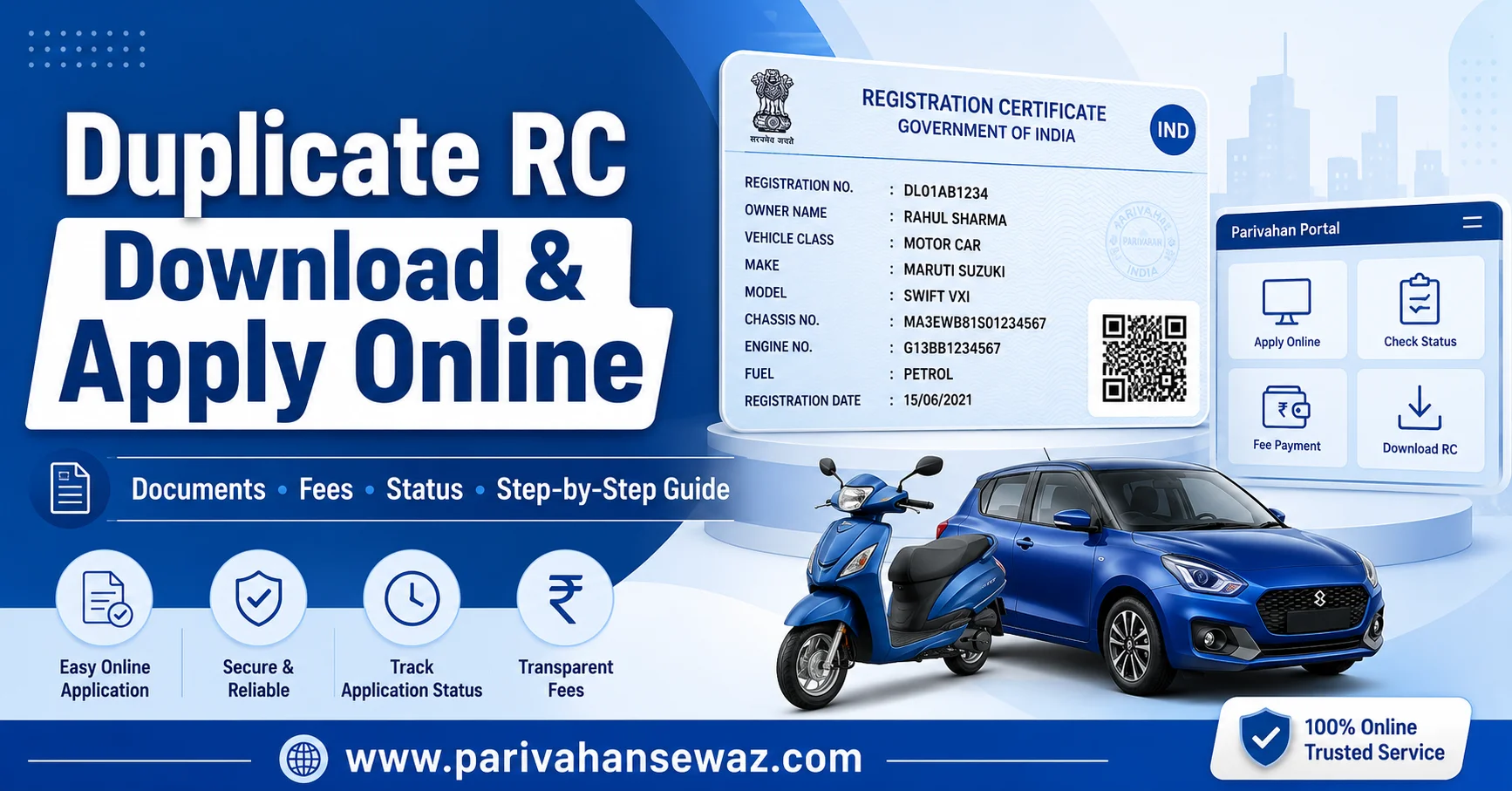
You can apply for Duplicate RC online through Parivahan Sewa/VAHAN if your original RC book or smart RC card is lost, stolen, damaged, torn, or unreadable.
After approval, you can download, print, or access your RC through VAHAN, DigiLocker, or mParivahan where the service is available.
Start With the Official RC Service
Use the official portal first if your RC is lost, stolen, damaged, torn, or you need to print an approved RC.
Both buttons open official government portals in a new tab.Quick Decision: Apply or Download?
Many users search “Duplicate RC download” but actually need different services. First check which situation matches your case.
| Your Situation | Correct Action |
|---|---|
| RC book lost | Apply for Duplicate RC |
| Smart RC card stolen | Apply for Duplicate RC and keep FIR/DDR if required |
| RC torn or damaged | Apply for Duplicate RC with damaged RC if available |
| RC already approved | Download or print RC |
| RC expired | Apply for RC renewal |
| Vehicle sold | Apply for RC transfer |
| Address changed | Use change of address / Form 33 |
| Loan closed | Remove hypothecation |
| Wrong RC details | Apply for RC correction |
If your RC is lost, stolen, or damaged, you need Duplicate RC. If your RC exists and you only want a PDF or digital copy, use RC download or print RC service.
Duplicate RC in Simple Words
Duplicate RC means a replacement Registration Certificate issued by the RTO when the original RC is not available or cannot be used.
It may be issued as:
- Smart RC card
- Printed Registration Certificate
- Digital RC record
- Replacement RC after RTO approval
A Duplicate RC has legal value when issued by the proper transport authority. It helps during vehicle checking, insurance claim, ownership transfer, loan closure, challan matters, and vehicle verification.
When RC Loss Becomes Serious
Do not delay if your RC is stolen or lost in a public place. RC is an important vehicle document and wrong use of vehicle details can create problems later.
You should apply for Duplicate RC when:
- RC book is lost
- Smart RC card is stolen
- RC is damaged or torn
- RC details are unreadable
- RC is destroyed by fire, water, or accident
- RC is missing during sale or insurance work
- Old RC cannot be submitted for official use
If your RC is stolen, keep a police report, FIR, or DDR as per state/RTO requirement.
Documents You May Need
Document rules can vary by state, but these are commonly required for Duplicate RC apply online.
| Document | When Needed |
|---|---|
| Form 26 | Main application form for Duplicate RC |
| FIR / DDR / police report | Lost or stolen RC cases |
| Valid insurance certificate | Usually required |
| PUC certificate | Commonly required |
| Address proof | Owner verification |
| Identity proof | Owner verification |
| Chassis and engine pencil print | Required in some RTOs |
| Damaged RC | If old RC is torn or damaged |
| Owner undertaking | Required in some states |
| Signature identification | Required by some RTOs |
| Authority letter | If another person applies |
| Form 33 | If address change is also involved |
Keep clear scanned copies for online upload and original documents for RTO verification if required. A valid PUC Certificate can also be useful during vehicle-related services.
FIR or No FIR?
This is one of the most confusing parts of Duplicate RC.
Use this simple rule:
- RC lost: FIR/DDR/police report may be required
- RC stolen: FIR/DDR is strongly recommended
- RC torn: FIR may not be required
- RC damaged: damaged RC may be submitted
- Other reason: enter a valid reason as asked by portal
Rules can vary by state. Always follow your state transport portal or RTO instruction.
Duplicate RC Apply Online on Parivahan
The process may change slightly by state, but the common VAHAN/Parivahan flow is simple.
Online Apply Steps
Before final submission, check every detail carefully. Wrong registration number, wrong owner details, or unclear document upload can delay approval.
Offline RTO Route
Some states or cases still require a physical RTO visit. This usually happens when documents need manual verification, vehicle records are old, or the online process is not available for your RTO.
Offline process usually includes:
- Visit concerned RTO
- Fill Form 26
- Attach required documents
- Submit FIR/DDR if needed
- Attach insurance and PUC
- Pay fee
- Collect receipt
- Track application status
Even if you apply offline, keep your acknowledgement number safe. For driving licence-related tracking, read the DL Status Check guide.
Duplicate RC Download After Approval
Duplicate RC download is usually possible only after the application is approved or when your RC record is available on a supported platform.
You may use:
- VAHAN Print RC service
- DigiLocker
- mParivahan
- State transport portal where available
Download / Print Steps
Some states may send a smart card by post instead of instant PDF download. If the download option is not visible, check application status or contact RTO.
Duplicate RC Fees
Duplicate RC fee is not the same in every state. It depends on vehicle type, smart card charges, postal charges, state fee, and service charges.
| Vehicle / Fee Type | Expected Range |
|---|---|
| Two-wheeler | Usually lower |
| Car / LMV | May be higher than two-wheeler |
| Commercial vehicle | Can be higher |
| Smart card charges | Extra where applicable |
| Postal / dispatch fee | Extra where applicable |
| State/RTO charges | Vary by state |
Always check the final amount on the official portal before payment.
Track Duplicate RC Status
After submission, keep checking your Duplicate RC status. This helps you catch pending documents, approval delays, or dispatch issues.
| Status | Meaning |
|---|---|
| Application Submitted | Your request has been received |
| Under Verification | Documents are being checked |
| Pending Approval | Waiting for RTO approval |
| Approved | Duplicate RC is approved |
| Printing | Smart card or certificate is being printed |
| Dispatched | RC sent by post or courier |
| Completed | Duplicate RC issued successfully |
| Rejected | Application has an issue |
If status is pending for a long time, check whether any RTO visit, document correction, or payment verification is required.
Duplicate RC vs Other RC Services
Choosing the wrong service wastes time and may lead to rejection.
| Situation | Use This Service |
|---|---|
| RC lost | Duplicate RC |
| RC stolen | Duplicate RC |
| RC torn or damaged | Duplicate RC |
| Need only PDF copy | RC download / print RC |
| RC validity expired | RC renewal |
| Vehicle sold | RC transfer |
| Address changed | Change of address |
| Loan removed | Hypothecation termination |
| Name or detail wrong | RC correction |
If your RC is expired, do not apply for Duplicate RC first. Renewal may be the correct service. If your vehicle needs roadworthiness work, also see the fitness certificate guide.
Why Applications Get Rejected
Duplicate RC application can be rejected because of small avoidable mistakes.
| Rejection Reason | Fix |
|---|---|
| Wrong vehicle number | Recheck registration number |
| Missing FIR/DDR | Upload police report if required |
| Expired insurance | Renew insurance first |
| Expired PUC | Get valid PUC certificate |
| Owner mismatch | Correct owner record first |
| Pending dues/challans | Clear dues if asked |
| Blurry document upload | Upload clear scanned copies |
| Wrong service selected | Choose Duplicate RC, renewal, transfer, or correction properly |
| Financed vehicle issue | Get stamp/signature or finance-related clearance if required |
Before reapplying, read the rejection reason carefully and fix the exact issue.
RC Not Delivered or Not Downloading
Sometimes Duplicate RC is approved but not delivered or not downloading.
Try this:
- Check application status
- Check dispatch status
- Verify registered address
- Recheck payment receipt
- Try VAHAN print RC
- Check DigiLocker or mParivahan
- Contact concerned RTO
- Ask if smart card dispatch is pending
Do not apply again immediately unless RTO asks you to do so.
Safety Tips Before Applying
Because this keyword includes “download,” many users may click unsafe websites. Be careful with your vehicle data.
Follow these tips:
- Use official Parivahan/VAHAN services
- Do not share OTP with agents
- Avoid instant RC PDF promises
- Do not upload documents on unknown websites
- Keep payment receipt safe
- Save application number
- File FIR/DDR quickly if RC is stolen
- Use DigiLocker or mParivahan for digital RC where available
Your RC contains important vehicle details, so handle it carefully.
Clean Route to Get Duplicate RC
Duplicate RC is the right solution when your RC book or smart card is lost, stolen, torn, damaged, or unreadable. Apply through Parivahan/VAHAN, keep Form 26 and required documents ready, follow FIR/DDR rules where needed, pay the fee, and track status until approval.
Once approved, use VAHAN, DigiLocker, or mParivahan to download, print, or access your RC where supported.
FAQs
What is Duplicate RC?
Duplicate RC is a replacement Registration Certificate issued when the original RC book or smart RC card is lost, stolen, damaged, torn, or unreadable.
How to apply for Duplicate RC online?
You can apply through Parivahan/VAHAN vehicle services by selecting your state, entering vehicle details, choosing Duplicate RC service, uploading documents, paying fee, and completing verification.
Can I download Duplicate RC online?
Yes, after approval, you may be able to download or print RC through VAHAN, DigiLocker, mParivahan, or your state transport portal where supported.
Is FIR required for Duplicate RC?
FIR/DDR is commonly required for lost or stolen RC cases. For torn or damaged RC, FIR may not be required, but rules can vary by state.
What is Form 26 for Duplicate RC?
Form 26 is the application form used for issue of Duplicate Certificate of Registration.
What documents are required for Duplicate RC?
Common documents include Form 26, FIR/DDR if required, insurance, PUC certificate, ID proof, address proof, damaged RC if available, and fee receipt.
How much is Duplicate RC fee?
The fee varies by state, vehicle type, smart card charges, postal charges, and RTO rules. Check the final amount on the official portal.
Can I drive if my RC is lost?
You should apply for Duplicate RC quickly. Keep acknowledgement, digital RC if available, and other vehicle documents with you.
Is Duplicate RC legally valid?
Yes, a Duplicate RC issued by the RTO has the same legal value as the original Registration Certificate.
Is Duplicate RC same as RC download?
No. Duplicate RC replaces a lost, stolen, or damaged RC. RC download means getting a digital/print copy of an already available RC record.
Should I apply for Duplicate RC if RC is expired?
No. If your RC validity has expired, RC renewal may be the correct service.
What if my vehicle is financed?
If the vehicle is still financed, you may need finance-related stamp/signature or documents depending on state/RTO rules.
Can someone else apply for Duplicate RC for me?
In some cases, an authorised representative can apply with an authority letter and required documents.
What if Duplicate RC application is rejected?
Check the rejection reason, fix the issue, upload correct documents, clear dues if required, and contact the RTO if the problem is not clear.