Parivahan Sewa Guide: DL, RC, Challan, Status Check and Online Services
Vehicle Related Services
Access all important vehicle registration services online in one place. Whether your vehicle is newly purchased or already registered you can book appointments, check application status, apply for duplicate registration, update address, transfer ownership and complete other vehicle related work quickly and easily.
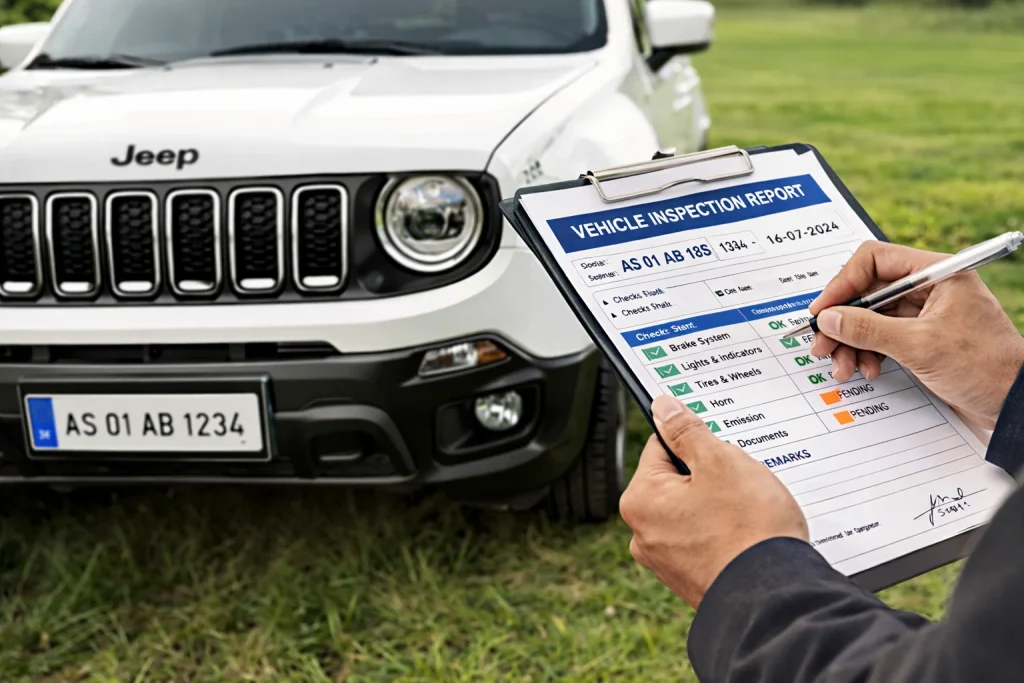
Vehicle Registration Process
One place for all vehicle related citizen services
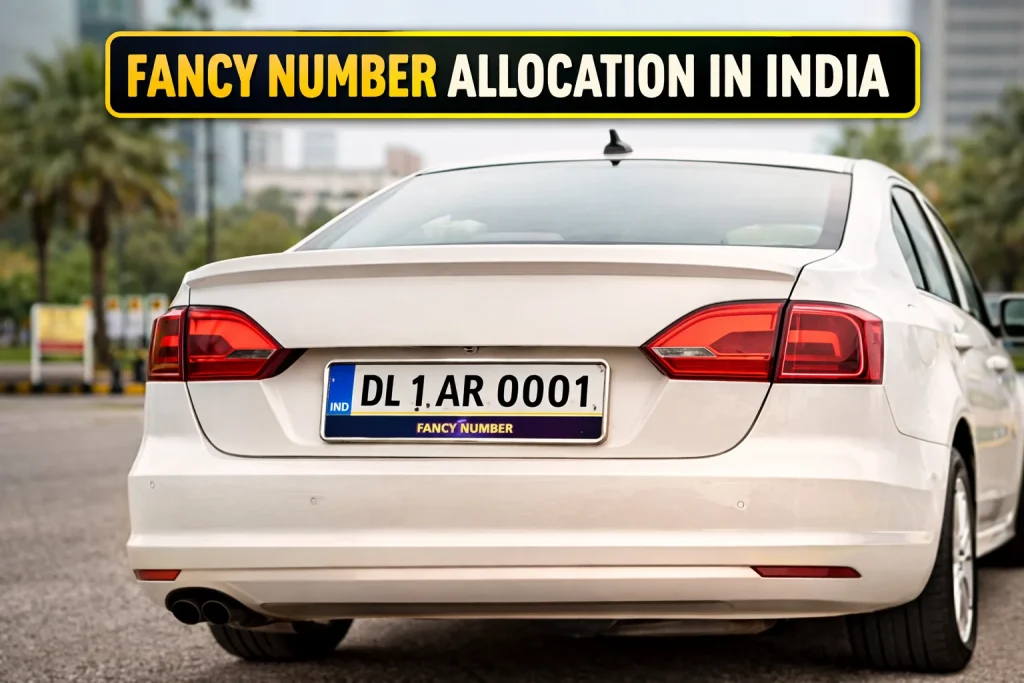
Book Your Fancy Vehicle Number
Book your favourite number for your dream vehicle
Vehicle National Permit Online
Simple online service for vehicle permits

All Other Vehicle Services
Easy access to all other important vehicle services
Driving Licence Related Services
Driving licence related services include everything a user may need for a new or old driving licence or learner licence. These services can include appointment booking, duplicate driving licence, application status check, and online test for learner licence. Users can also apply for renewal, update licence details, and access important licence information online. This makes the process easier, faster, and more convenient for everyone.
Online Test and Appointment
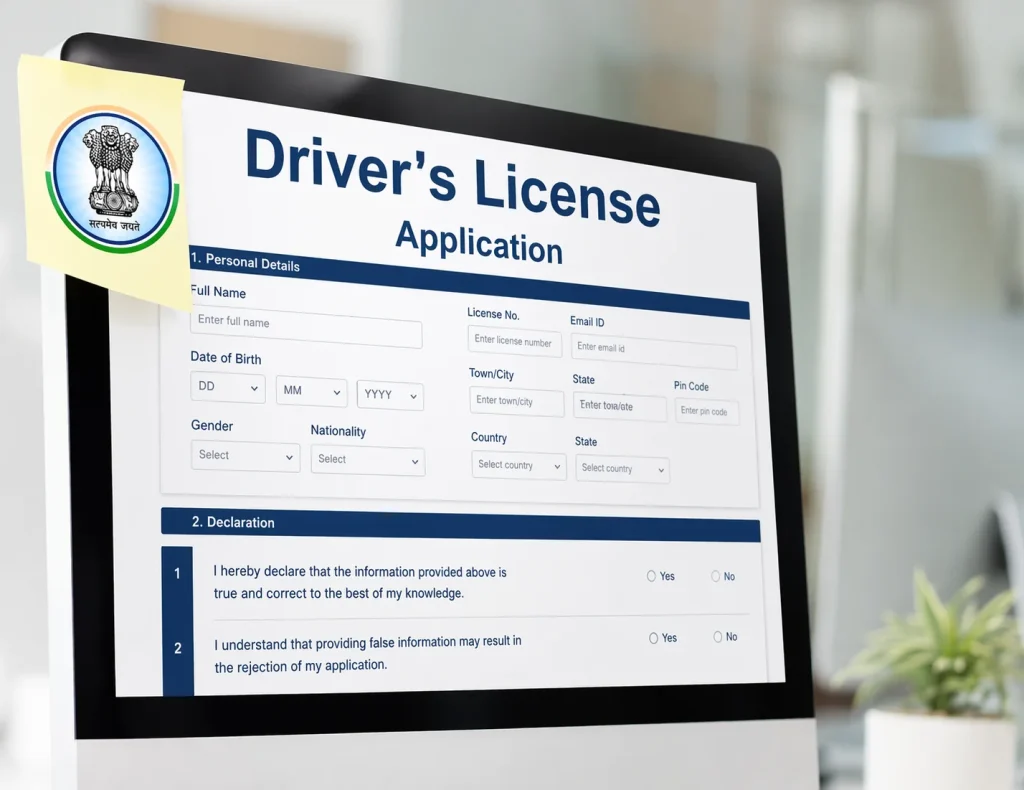
Book or update your driving licence test appointment in a few simple steps and manage your visit without confusion.
Learner License Registration
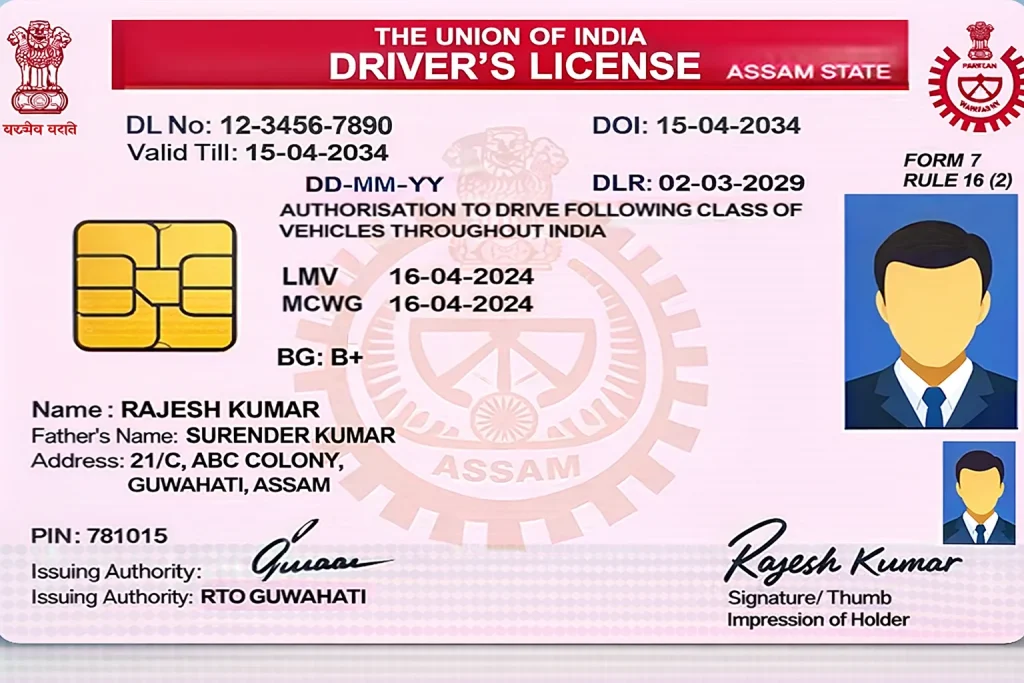
Start your learner licence application online, review basic details, and move ahead with a smoother registration process.
Find Driving School Services
Find useful information for driving school licence needs, approval steps, and related online service support in one section.
Other Services

Explore extra driving licence related services like status check, duplicate licence help and renewal guidance.
Parivahan Sewa is one of the most useful online systems for people who want to manage driving licence, fancy number allocation and vehicle related work in India. Instead of visiting offices again and again, many services can now be checked or started online. This makes the process easier, faster, and more convenient for users.
If you want to check your driving licence status, view RC details, pay e challan, track an application, or learn how Sarathi Parivahan and Vahan Parivahan work, this guide will help you. In this article, you will learn what Parivahan Sewa is, what services it offers, how to use it, what details you need, and how to avoid common mistakes.
Primary Services
Dealer Registration
A fast and easy portal for dealers to register vehicles, track applications, and handle all important vehicle related enquiries online.
New National Permit
Apply for a new national permit online, track transaction status, and print your receipt without any hassle of any type.
Vehicle Fitness
Book your fitness test appointment online, make payments easily, and manage other related services in one place.
Tax Payment
Make your vehicle tax and fee payments online quickly and use all related services from one place.
Other Online Services

NOC Services Online
Submit your online application for a No Objection Certificate and manage the process in a simple and convenient way.

Registration Renewal
Renew your vehicle registration online quickly and complete the process in a simple and convenient way.
Get Duplicate RC
Apply online for a duplicate vehicle registration certificate in case your RC is lost, damaged, or not available.
Hypothecation Services
Manage vehicle hypothecation services online in a simple, quick, and convenient way.
RC Cancellation Process
Submit your request online to cancel the registration of a vehicle through a simple and guided process.
Change Vehicle Type
Start your online application to update or convert the type of your vehicle without any confusion.
Transfer Ownership
Apply online to transfer vehicle ownership through a simple process and manage the required details without difficulty.

Update Vehicle Address
Apply online to change the address linked to your vehicle registration through a simple and convenient process.
Additional Services
Vahan Green Sewa
Manage the complete online process for CNG fitment and other approved vehicle device updates in one place.
Trade Certificate
A simple online service for dealers to enter commercial vehicle data, apply for a trade certificate, and complete payments.
Homologation
A dedicated online portal to manage manufacturer approvals and maintain important vehicle related records in one place.
Speed Limiting Device Services
A simple online portal to upload Speed Limiting Device inventory and track related records with clarity and ease.
Location Tracking System (VLTD)
A reliable smartphone based system to track vehicle location easily and manage movement with better visibility.
CheckPost Tax
A single online platform where citizens can access checkpost tax services quickly and complete related tasks with ease.

Online Fancy Number Booking
A simple online portal where citizens can bid for and book their preferred vehicle number easily.
PUCC Services
A complete online solution for PUCC issuance and smooth updating of records in the national database.
What is Parivahan Sewa
Parivahan Sewa is an online platform related to transport services in India. It helps users access many digital services connected with driving licences, vehicle registration, challan information, permits, and more.
In simple words, Parivahan Sewa brings many transport related services to one place so users can check details, submit requests, and track progress without depending only on physical visits.
Many users search for terms like Parivahan Sewa, Sarathi Parivahan, Vahan Parivahan, DL status check, RC status, application status, and e challan online because they want a simple way to complete transport related tasks.
Why People Use Parivahan Sewa
People use Parivahan Sewa because it saves time and gives easier access to important transport services. It is useful for new applicants as well as existing vehicle owners and licence holders.
Some common reasons why users visit Parivahan Sewa are:
- To apply for learner licence or driving licence
- To check driving licence status
- To check vehicle registration details
- To track application status
- To pay e challan online
- To manage permit related work
- To check PUC details
- To update vehicle or licence records
- To use mParivahan related digital services
Sarathi Parivahan and Vahan Parivahan Explained
A lot of users get confused between Sarathi Parivahan and Vahan Parivahan. The difference is simple.
Sarathi Parivahan
Sarathi Parivahan is mostly connected with driving licence services. If your work is about learner licence, driving licence, renewal, application status, or test booking, then this section is usually more relevant for you.
Vahan Parivahan
Vahan Parivahan is mainly connected with vehicle related services. If your work is about RC, vehicle registration, ownership transfer, address update, permit, tax, or vehicle details, then this section is usually the right one.
Understanding this difference can save time because many users open the wrong section first and get confused.
Details You May Need Before Using Parivahan Sewa
Before opening the portal, it is smart to keep some basic information ready. This can make the process easier.
You may need:
- Application number
- Driving licence number
- Vehicle registration number
- Chassis number or engine number in some cases
- Mobile number
- Date of birth
- State name
- Captcha details shown on the screen
The exact details can change depending on the service you are trying to use.
How to Use Parivahan Sewa for Driving Licence Services
If you want licence related help, you should use the Sarathi side of the system. Here is a simple user guide.
Step 1: Open the relevant licence service section
First, go to the licence related service area. Choose your state if required. Many licence services are state based, so selecting the correct state is important.
Step 2: Choose the service
Now select the service you need. This may include:
- Learner licence
- Driving licence
- Renewal
- Duplicate licence
- Application status
- Appointment or slot booking
Step 3: Enter required details
Fill in the asked information carefully. Even a small mistake in application number, date of birth, or licence number can show the wrong result or no result.
Step 4: Check status or continue the process
After entering your details, you can usually view status, continue an application, or move to the next page of the selected service.
Step 5: Save or note important details
If the system shows your status, application number, acknowledgement, or payment information, save it for future use.
How to Check Driving Licence Status on Parivahan Sewa
One of the most searched services is driving licence status check. Many users want to know whether their licence is approved, printed, dispatched, pending, or under process.
Here is the simple process:
- Open the licence related section of Parivahan Sewa
- Select your state if needed
- Find the option related to driving licence status or application status
- Enter your application number, date of birth, or other required details
- Submit the form
- View the latest available status on the screen
This is useful for users who have recently applied for a learner licence, permanent driving licence, or renewal.
How to Use Parivahan Sewa for Vehicle Services
If your work is about a vehicle and not a licence, then you should use the Vahan side.
Common Vehicle Related Uses
- Check RC status
- View vehicle details
- Track registration related work
- Apply for duplicate RC
- Request transfer of ownership
- Update address
- Handle permit and tax related tasks
Simple Process
- Open the vehicle service section
- Choose the required service
- Enter vehicle number or other needed details
- Submit the information
- Check the result or continue with the next step
This process may look a little different for each service, but the general flow remains similar.
How to Check RC Status on Parivahan Sewa
Many people want to check RC status after applying for registration related work or when they need vehicle record information.
To check RC related information:
- Open the vehicle related service section
- Find the RC status or vehicle information option
- Enter the vehicle number or application details if required
- Submit the form
- View the status or available record
RC status is useful when you want to confirm whether registration work has been completed or is still in process.
How to Check Application Status on Parivahan Sewa
Application status is one of the most important features on the portal. Whether your work is related to a licence or vehicle, status tracking helps you know where your request stands.
To check Parivahan Sewa application status:
- Open the correct service section
- Select the application status option
- Enter your application number
- Add date of birth, captcha, or other asked details
- Submit and review the result
This can help users track learner licence applications, driving licence requests, RC related requests, and some permit or update related services.
How to Pay e Challan Online on Parivahan Sewa
Another very popular use of the portal is e challan payment. If a traffic challan has been issued, users can often check its status and make payment online.
Steps to Check and Pay e Challan
- Open the e challan related section
- Enter the required information such as challan number, vehicle number, or driving licence number
- View the pending challan details
- Check the amount carefully
- Continue to payment
- Complete the payment using the available method
- Save the payment receipt or confirmation
Always confirm that the details shown match your vehicle or licence before making the payment.
How mParivahan Helps Users
Many users also search for mParivahan because it gives easier digital access to vehicle and licence related information. It is useful for people who want quick access through mobile based services.
mParivahan can be helpful for:
- Checking vehicle details
- Keeping digital records
- Viewing licence related information
- Using transport related features in a more convenient way
Users who prefer mobile access often find this option helpful along with the main portal.
Benefits of Using Parivahan Sewa
Parivahan Sewa is useful because it reduces manual effort and gives users more control over their transport related work.
Here are some main benefits:
Saves Time
You do not need to visit offices for every small check or update.
Easy Status Tracking
You can check driving licence status, RC status, application status, and challan details online.
Better Access to Information
Vehicle owners and licence holders can find important records and service options in one place.
Helpful for New and Existing Users
Whether you are applying for the first time or managing an old record, the portal can be useful.
Supports Multiple Services
Instead of searching for many separate solutions, users can handle many tasks through the same system.
Common Problems Users Face
Even though the portal is useful, users sometimes face issues. Here are some common ones.
Wrong Details Entered
A small mistake in application number, licence number, or date of birth can stop the result from showing.
State Selection Error
Some licence services depend on the correct state selection. If you choose the wrong state, your result may not appear.
Old or Incomplete Data
In some cases, users may not find expected details if the record is still under update.
Slow Loading or Technical Error
At busy times, pages may load slowly or show temporary errors.
Captcha Problem
Sometimes users enter the captcha incorrectly, which stops the form from moving ahead.
Simple Tips to Avoid Problems
You can improve your experience with Parivahan Sewa by following these small tips:
- Keep your correct number and details ready before starting
- Double check spelling and numbers before submitting
- Use the correct section for licence or vehicle service
- Save screenshots or acknowledgement details
- Do not close the page before noting your status or payment result
- If a service does not open, try again after some time
Important Safety Tips for Users
Because many people search for Parivahan Sewa online, it is important to stay careful.
- Always verify that you are using the correct and trusted portal
- Do not share personal details on random websites
- Cross check vehicle number, challan number, or licence number before payment
- Keep receipts and confirmation details after every important step
- Be careful with unknown calls or messages asking for payment
These simple habits can protect users from confusion and mistakes.
Who Should Use This Portal
Parivahan Sewa is useful for many types of users, such as:
- New driving licence applicants
- Existing driving licence holders
- Vehicle owners
- People checking RC status
- Users paying e challan
- People tracking application status
- Users checking vehicle and licence details
In short, if your work is related to transport, driving licence, or vehicle registration, this system can be helpful.
Photo + signature (as per portal)
LL copy (if applying for DL)
Payment receipt / acknowledgement
Learner’s Licence (LL) Application Process (Sarathi)
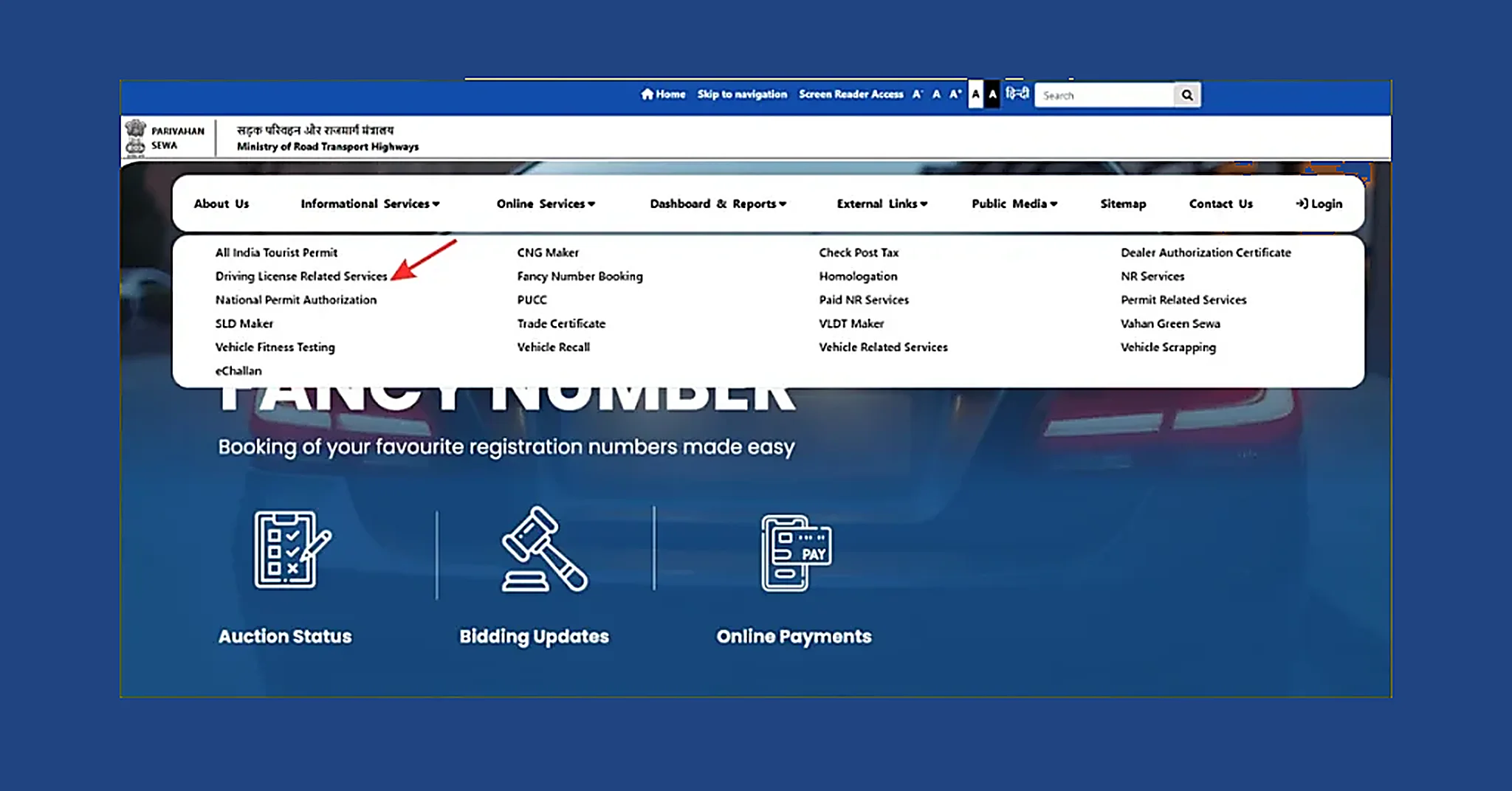
Step 1: Open the Official Sarathi Portal
Go to parivahan.gov.in and click on Driving Licence Related Services (Sarathi).
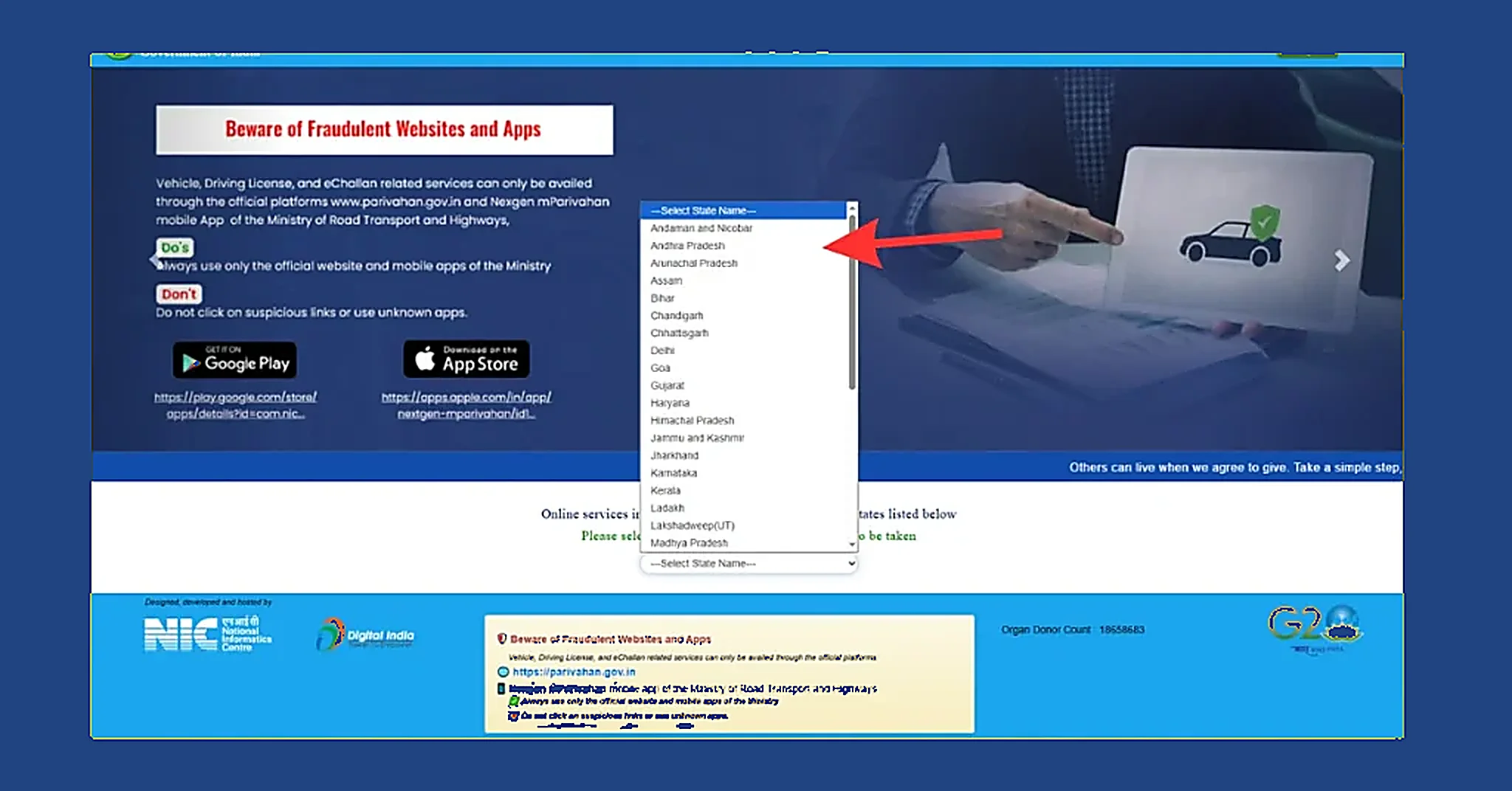
Step 2: Choose Your State
Select your state/UT to enter the Sarathi dashboard (each state has its own Sarathi page).
Step 3: Fill the LL Application Form
Click Apply for Learner Licence and fill Form 2.
Choose the correct vehicle class (two-wheeler / LMV / etc.).
Step 4: Upload Documents (Clear Scans)
Upload the required documents such as:
- Age proof
- Address proof
- Identity proof
- Photo & signature (if asked)
- Form 1 (self-declaration for fitness)
- Form 1A (medical certificate, only if required)
Step 5: Pay the LL Fee Online
Pay using available options like UPI / debit card / credit card / net banking and save the receipt.
Step 6: Book the Learner Test Slot
Choose your preferred date and time for the LL test.
In some states, the learner test can be online.
Step 7: Take the Learner Test
Appear for the test (road signs + traffic rules). Passing criteria can vary slightly by state.
Step 8: Download/Print Your Learner Licence
If you pass, you can download and print your LL from the Sarathi portal. (Dispatch/print rules differ by state.)
Driving Licence (LL/DL) Status Check on Sarathi
After applying, you can track whether your application is pending, approved, printed, or dispatched using Sarathi.
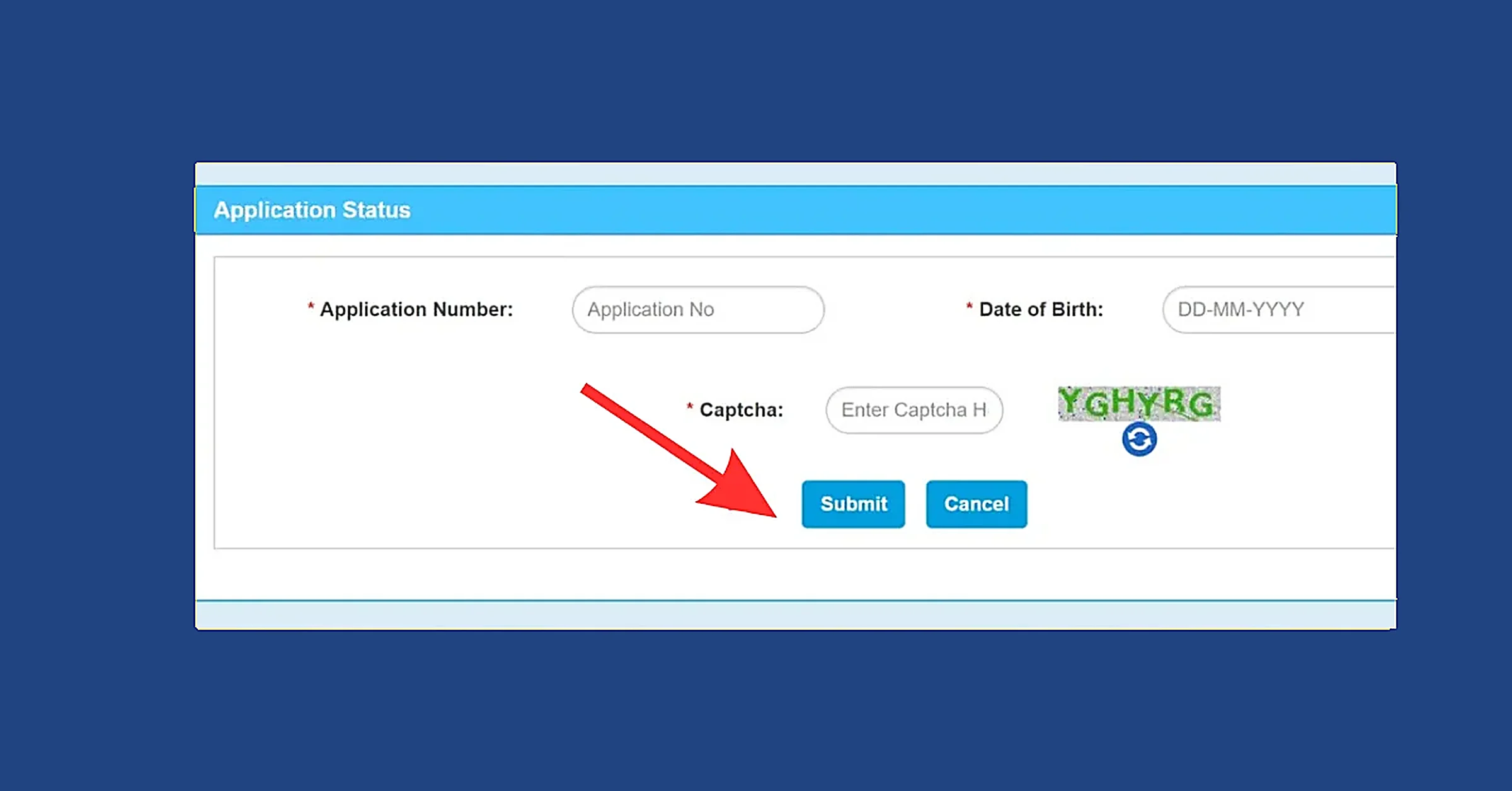
Steps to check status:
- Open Driving Licence Related Services (Sarathi) on parivahan.gov.in
- Select your state/UT
- Click Application Status
- Enter:
- Application number
- Date of birth
- Captcha
- Click Submit to view your latest status
(Tip: Save your application number and payment receipt. They help if your status gets stuck.)
Common Issues (Quick Fix)
- DL not showing in app: Re-check DL number, DOB format, and try again after some time (server load can delay syncing).
- OTP not received: Ensure the mobile number is active, check SMS blocking apps, and retry after a few minutes.
Driving Licence Fees (Approx.)
Fees can vary by state and vehicle category. Always confirm the latest charges on the official Sarathi/Parivahan portal.
| Service | Fee (₹) |
|---|---|
| Applying for a Learner’s Licence (per vehicle class) | 150 |
| Learner’s Licence Test / Re-Test | 50 |
| Driving Skill Test (per vehicle class) | 300 |
| Issuing a New Driving Licence | 200 |
| International Driving Permit (IDP) | 1,000 |
| Adding a New Vehicle Class to an Existing Licence | 500 |
| Renewal/Endorsement for Hazardous Goods Vehicle | 100 |
| Renewal of Driving Licence (within grace period) | 200 |
| Renewal of Driving Licence (after grace period) | 300 |
| Grant/Renewal of Licence for Driving School or Training Institute | 10,000 |
| Duplicate Licence for Driving School or Training Institute | 5,000 |
| Filing an Appeal Against Licensing Authority | 500 |
| Updating Address or Other Personal Details | 200 |
| Conductor’s Licence | 50% of DL fees |
| Issue of Duplicate Driving Licence | 200 |
| Smart Card Driving Licence (extra charge) | 200 |
Final Words
Parivahan Sewa has made many transport related services easier for users in India. Whether you want to check a driving licence status, track an application, view RC details, pay e challan, or understand the difference between Sarathi Parivahan and Vahan Parivahan, this platform can help you.
The best way to use Parivahan Sewa is to know what service you need before you start. If your work is about a driving licence, go to the licence related section. If your work is about a vehicle, use the vehicle related section. Keep your details ready, enter them carefully, and always save important status or payment information.
If used properly, Parivahan Sewa can save time and make transport related work much easier.